


Blog
Why Is My IGET Blinking? What It Means

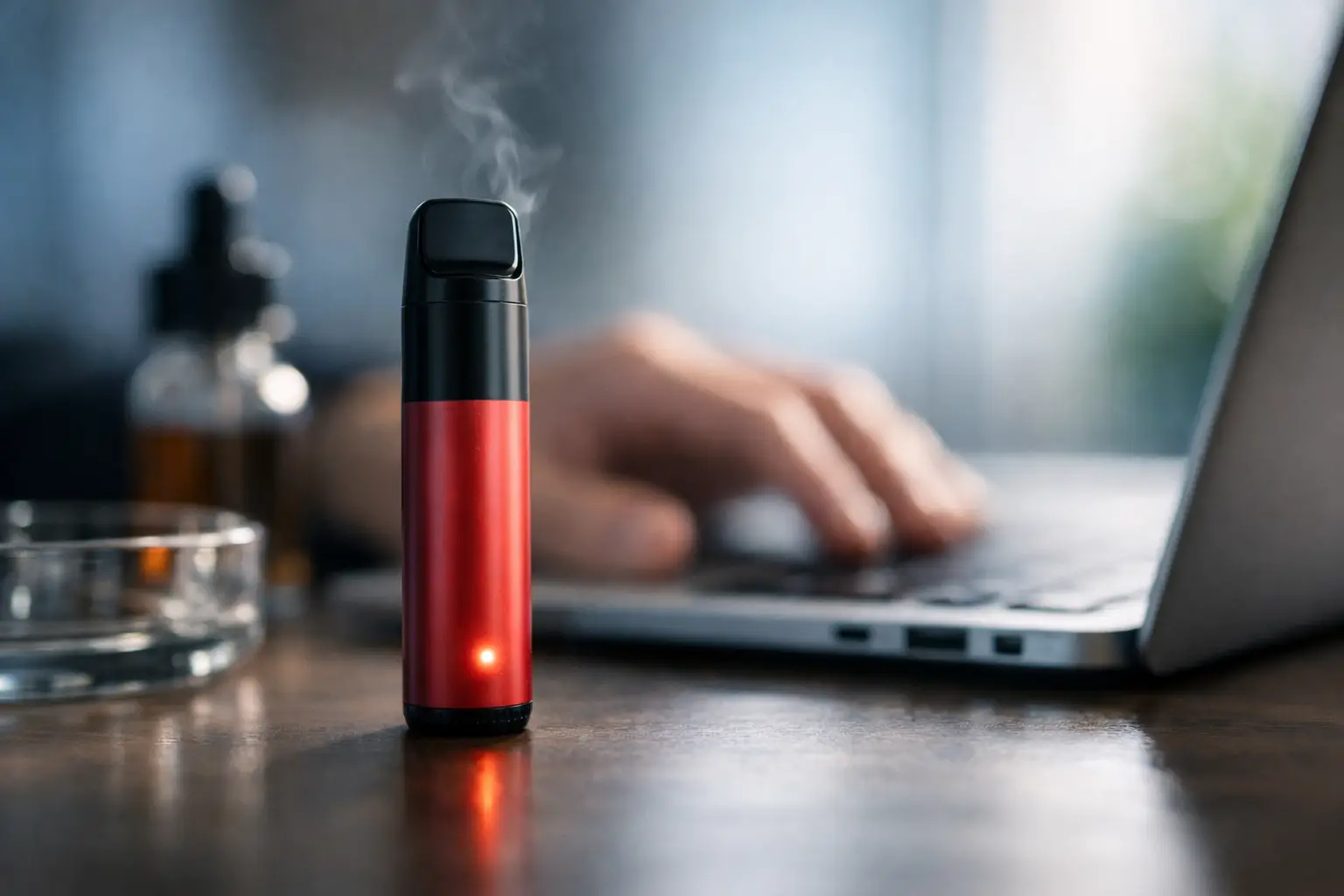
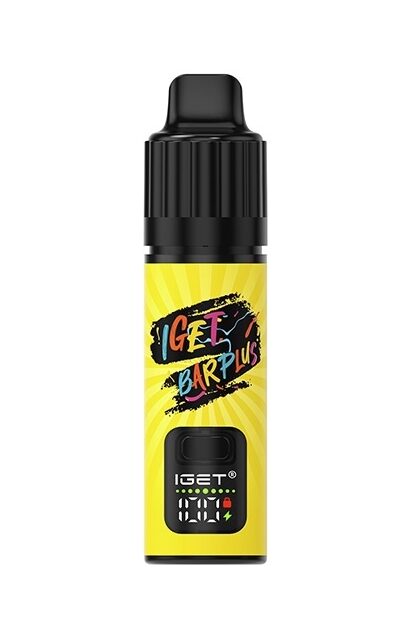
A blinking IGET is usually your device telling you one simple thing – something needs attention before it can vape properly. If you are wondering why is my iget blinking, the answer normally comes down to battery level, charging status, airflow blockage, or the device reaching the end of its usable life.
The good news is that blinking does not always mean the vape is faulty. In many cases, it is normal device behaviour. The trick is knowing the difference between a quick fix and a device that is finished. That matters whether you are using a straightforward disposable or a rechargeable model designed to last longer.
Why is my IGET blinking when I puff?
If your IGET blinks while you are inhaling and does not produce vapour, start with the most likely cause: low battery. Rechargeable IGET models commonly flash when the battery has dropped too low to power the coil. If the device has a charging port, plug it in with a suitable cable and give it time to charge fully before trying again.
If you are using a non-rechargeable disposable, blinking on inhale can mean the internal battery is done. At that point, there is no reset button or workaround that will bring it back. Disposable devices are built for convenience, not repair, so once the battery is exhausted, replacement is usually the only practical option.
There is another possibility. Some devices blink because the safety system has detected an issue such as a short circuit, overheating, or an airflow fault. This is less common, but it does happen. If the light flashes repeatedly after only a short puff, or the device feels warmer than normal, stop using it and let it cool down.
The most common reasons your IGET is blinking
Not every blink means the same thing. Different IGET models handle battery alerts and fault indicators a little differently, but most flashing falls into a few familiar categories.
Low battery or flat battery
This is the big one. A blinking light often means there is not enough charge left to heat the coil properly. On rechargeable IGET devices, charging is the first thing to try. If the battery indicator keeps flashing even after being plugged in for a decent amount of time, the issue may be the cable, the charging source, or the battery itself.
With higher-puff devices, battery management matters more because the unit is designed to be used over a longer period. A bigger e-liquid capacity does not help much if the battery is flat and never recharged properly.
Charging in progress
Sometimes a blinking IGET is not a problem at all. It may simply be showing that charging has started. Many rechargeable devices flash while charging and then stop, change colour, or stay solid once fully charged. If the device is behaving normally off the charger, there is usually nothing to worry about.
What matters is consistency. If it flashes for a moment and then refuses to charge, that points to a connection issue rather than a normal charging cycle.
Blocked airflow
IGET devices rely on airflow activation. If the airflow path is blocked by dust, pocket lint, condensation, or leaked e-liquid, the vape may blink but fail to fire correctly. This can happen gradually, especially if the device is carried loose in a bag or pocket.
A blocked airflow path can also make the draw feel tight or uneven. If the inhale feels different from usual and the light is flashing, inspect the mouthpiece and air inlets carefully. Gentle cleaning can help, but there is a limit. If liquid has got deep into the internals, performance may stay unreliable.
Device protection mode
Modern disposable and rechargeable vapes include basic safety protections. If you take several puffs in quick succession, the device may blink to signal a cut-off. This is designed to stop overheating and protect the coil and battery.
That does not necessarily mean there is a fault. It may simply mean the device needs a short pause. If it returns to normal after resting for a minute or two, the protection system is doing its job.
The device is finished
This is the answer plenty of users hope to avoid, but it is often the right one. If your IGET is blinking, not charging, not producing vapour, and the flavour was already fading, the device may simply be at the end of its life. That is especially true if it has had regular use over a long period.
Disposable vapes are built around convenience and flavour consistency, but they are still consumable products. Once the battery or e-liquid is done, replacement is the sensible move.
Why is my IGET blinking while charging?
If your IGET blinks on charge, begin with the basics. Check the cable fits properly, the charging port is clean, and the power source is reliable. A weak wall plug, damaged cable, or dirty port can interrupt charging and trigger flashing.
It also depends on the model. Some IGET devices flash briefly to confirm charging, while others continue blinking until they are closer to full charge. What you do not want is endless flashing with no improvement in battery performance.
If the device still blinks after a full charging session and will not fire, the battery may no longer be holding charge. That can happen over time, or sooner if the unit has been exposed to heat, rough handling, or poor-quality charging habits.
Avoid trying random fixes like forcing objects into the port or using unsuitable chargers. That is more likely to damage the device than solve anything.
What to check before you replace it
Before you bin the device, run through a quick process. First, see whether the mouthpiece seal or any packaging plug has been fully removed. It sounds obvious, but it catches people out more often than you would think.
Next, clean the mouthpiece and visible airflow holes gently with a dry tissue or cotton tip. Do not flood the device with water or cleaning fluid. These are not rebuildable kits, and moisture inside the unit usually makes things worse.
If it is rechargeable, switch to another cable and another power source. Give it enough time, not just five minutes. Some batteries need longer than expected to recover from being completely flat.
Then test the draw again. If the blinking continues with no vapour, the issue is probably internal. At that stage, replacement is usually more cost-effective than trying to rescue a device that was never designed for repair.
When blinking points to a counterfeit or poor-quality device
Blinking can also be a sign that something is off with the product itself. Adult vapers in Australia already know the market has its share of dodgy stock. If a device behaves strangely straight out of the box, gives inconsistent flavour, or stops charging almost immediately, authenticity becomes a fair question.
That is one reason specialist retailers matter. Authentic IGET vapes are built for reliable performance across the proper product range, whether you want a simpler disposable option or a longer-lasting rechargeable format. Counterfeit or low-grade stock is more likely to show charging faults, poor battery life, and erratic blinking from day one.
Should you keep using a blinking IGET?
Sometimes yes, sometimes no. If it is simply charging or warning you the battery is low, there is no drama. Recharge it if the model allows, or replace it if it is a finished disposable.
If the device is blinking while getting hot, tasting burnt, leaking badly, or failing to produce vapour after basic checks, stop using it. That is not the time to keep puffing and hope for the best. Disposable and pod-style devices are made for convenience. Once performance drops off or safety signs appear, the better move is to switch to a fresh device.
For regular users, this is also where choosing the right format makes a difference. If you go through disposables quickly, a rechargeable IGET model or pod-based system may give you better long-term value and fewer interruptions from flat batteries.
The bottom line on a blinking IGET
A blinking IGET usually means one of four things: it needs charge, it is actively charging, the airflow is disrupted, or the device has reached the end of its run. The exact reason depends on the model and how it has been used, but the fix is often straightforward once you narrow it down.
If the device charges, draws properly, and returns to normal, you are sorted. If it keeps flashing, refuses to fire, or shows signs of poor build quality, do not waste time fighting it. Reliable vaping comes down to authentic stock, the right device type, and replacing worn-out units before they become a hassle. A quick blink is useful feedback – if you know when to troubleshoot and when to move on.